
From the first day of start, every business needs online presence and want their customers to be happy. Mouth publicity is considered to be the best publicity and to get it, you need to provide excellent services, before and after the sale. Making a website and running it with engaged customers is one of the best things which could be done nowadays. It’s also a really good idea to hire a top web designer who is local, as they have such a better understanding of what works really well in that locality. For example, we needed a website for a Birmingham based business recently and hired some brilliant website designers in Birmingham who did an absolutely wonderful job, so we are big believers in going local for web design talent now.
To build a website you need web developing services, who will make your website according to your needs. But with many web applications, this money can be saved. You just need to spend a little time and with few clicks, you could build a site or open a free blog of your own. These free website maker for any business can make it possible to showcase your product, tell about your organisation or maybe write news articles to keep them updated. Here are are few excellent websites which offer such services free of cost.
Also, check article written by Robert Mening that has comprehensive reviews of best website builders.
8 Best Free Website Builder Websites and Services
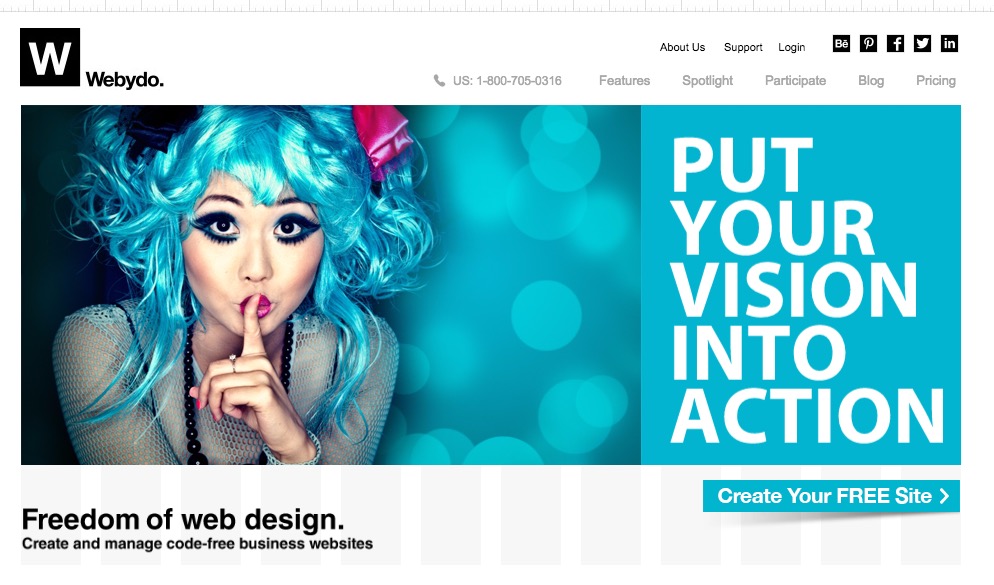
Webydo : Its a cloud-based web design platform that lets web design professionals and freelancers create and maintain HTML websites. With an easy and effective way to create a website that’s also unique, it has the cutting edge technology which makes the design process simple.
Ucoz.com : To make a website with Ucoz.com you will need to register yourself here and get started with confirming your email, which will reach your mail instantly. After confirming the mail, you will need to set the admin password and normal password. I like their use of captcha, its easy and secured at the same time. Now you will be presented with two or three forms like choosing a name for your site, then design and finally what all modules you require.. i choose all the options like page editor, site news, forum, publisher, blog, guestbook, photo albums, email forms, web polls, and last but not the least E-shop. Yes, you can build an e-shop to sell your goods as well.

You can add blocks, write a blog post from the front end, change the look and feel, and much more.. a complete solution for building website absolutely free. Above i have chosen the most popular business template for my demo site. One of the best free website builder.
Webs.com : It took me only 5 mins to create a free site at webs.com. It was smooth easy and fun.. Their image insertion is awesome, with flickr search for common creatives they have stood out with their competition.
Features like photo gallery, e-commerce shop, articles, blog, contact page and much more with just spending so little time.. The customization is easy and far better than other free builders out there.
Weebly.com – You can make a website, even add Google Adsense with 50% ad share given to Weebly and build it for absolutely free. They allow you to add many effects like in text like shadow, glow etc with image customization and also downloading an archive for your website. Another super free website builder.
JIMDO – Jimdo starts you off with a relatively blank canvas. You choose from a selection of templates, then get a simple front page with options for adding a title image, navigation and general content. Pages are built as you go, and the interface changes depending on what you’re adding. Click an empty area to popup a menu of options you can choose to include. It has all the spikes to be on top of a free website builder.
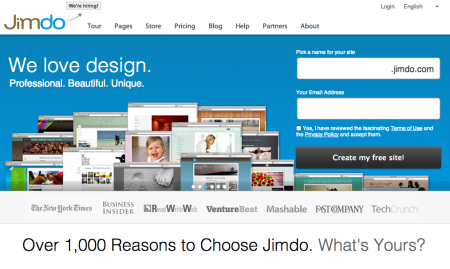
On the one hand, being tied to a template makes the software incredibly easy to use, because you aren’t faced with confusing tools and elements. On the other hand, it’s a rather inflexible way of working and you may find that the program simply can’t do what you want it to. For example, to move the navigation menu, you have to change the entire template. Still, the designs are logical and the rigid structure means it’s difficult to make mistakes.
The free version comes with just 500MB of space and you can only use an address with a jimdo.com suffix. You’re also forced to have a Jimdo advert placed on your site. But you get an unlimited number of pages, unlimited bandwidth and you can even set up a simple shop using PayPal, though it’s limited to five products.
If you upgrade to the Pro service for $96 per year (which is $8 per month), you lose the Jimdo advert. You also get a domain name, 5GB of space and more template designs to choose from. There’s a Business package for $290 per year, which provides two domains and unlimited storage space.The software is very similar to 1&1’s My Website, with the same icons on the right, but some different options. The main reason we’ve ranked Jimdo above 1&1’s service is that you can use it to create a perfectly serviceable site for free.
Moonfruit : The service hasn’t changed much since then. What felt fresh and cutting-edge has now been superseded by the likes of Jimdo, 1&1 and Squarespace. Moonfruit still has very attractive templates and the site now offers a free option, which it lacked previously.
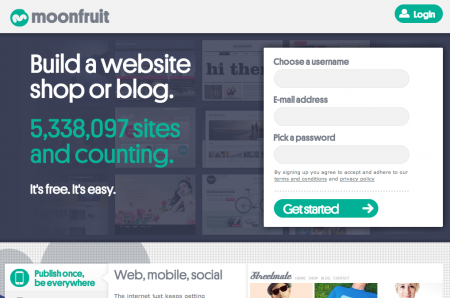
The site-design tool feels like PC-based web-design software that has been transported to the internet. This makes it fiddly in places but offers a lot of flexibility if you’re willing to spend time learning how to use it. The free service is limited to 15 pages and 20MB of storage. You’ll need to upgrade and pay £4 per month to get 500MB of storage and unlimited pages, though other options are available for £8, £15 and £25 per month.
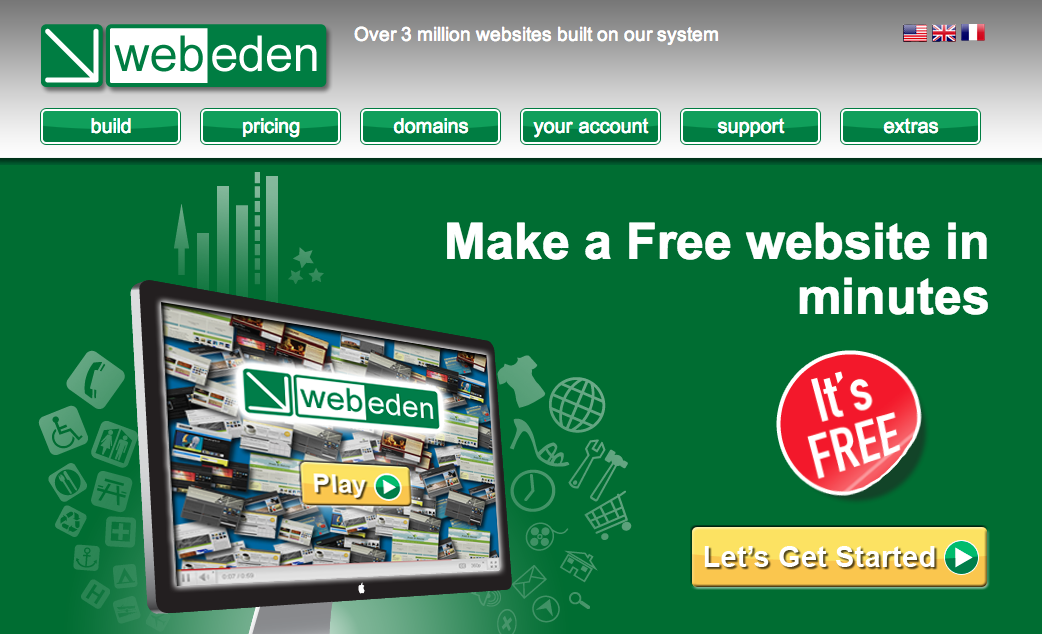
WebEden : Moonfruit’s software is available for other companies to license, which is what WebEden has done. Your starting site and method of choosing a template are different and less dynamic, but otherwise the services are identical.
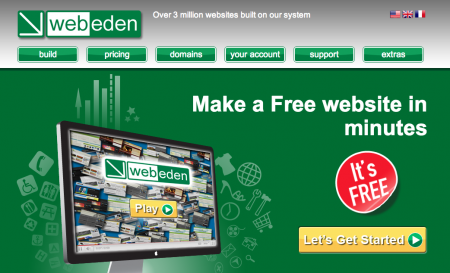
You get the same interface, which is powerful and flexible, but it’s harder to learn and use than the newer and updated services, which have left Moonfruit and its licencees looking a bit old-fashioned. Pricing is also the same as Moonfruit. You can build a free website with 20MB of space but it can only have 15 pages. Upgrading to £4 per month gives you unlimited pages and 500MB of storage, but doesn’t include a domain name. More packages are available with increasing amounts of storage and options, for £8, £15 and £25 per month.
Doomby : Doomby isn’t as dynamic as Jimdo or Squarespace. Instead of editing directly onto the page for an immediate ‘what you see is what you get’ effect, you use a content- management interface. This consists of some behind-the-scenes web pages where you type your text and load your pictures.
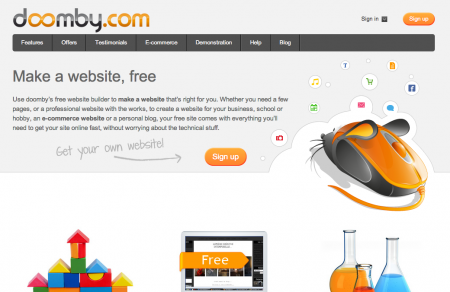
When you save your work, the content uploads and you can then see the results. You can run a Doomby site for free, but the top of the screen will be taken up by an intrusive advert. The free option comes with 250MB of web space and unlimited pages. Upgrading to the Plus version costs $58 per year. This removes the ad and gives you 2.5GB of storage space.
I hope you must have liked all the services we have review and We will try to keep this page updated for you. So, don’t waste any more time use these free websites builders and get on with the game.